> ## Documentation Index
> Fetch the complete documentation index at: https://docs.flexprice.io/llms.txt
> Use this file to discover all available pages before exploring further.
# Overview
Invoices in Flexprice provide a structured way to bill customers for their subscriptions, usage, and additional charges. The invoicing system supports automated generation, status management, and payment tracking, ensuring a seamless billing process for businesses.
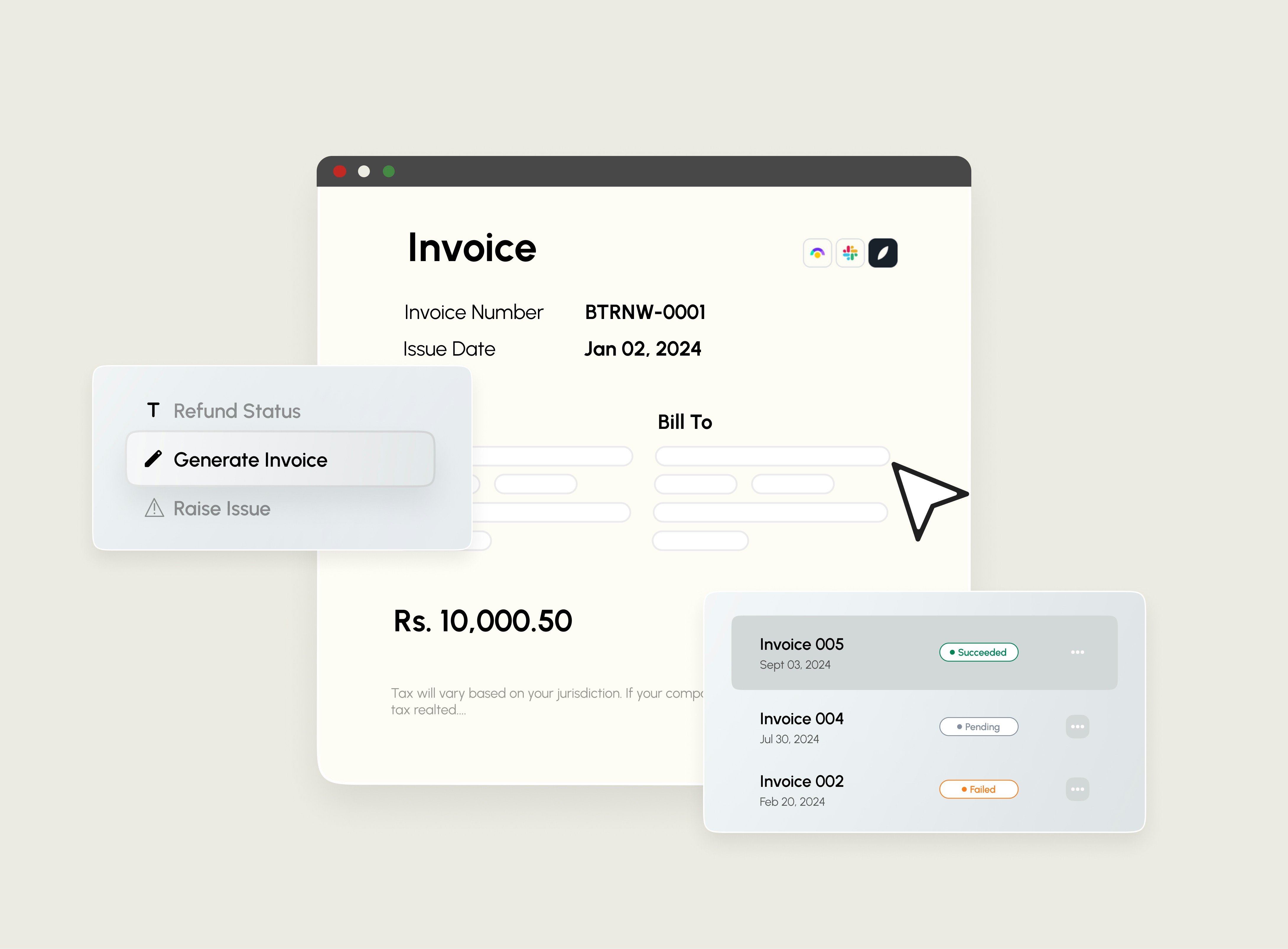 Invoices are essential for:
* Tracking revenue and outstanding payments.
* Maintaining financial records for compliance.
* Enabling clear and transparent billing for customers.
Flexprice allows you to create, manage, and update invoices directly from the dashboard or through the API.
**Invoice Lifecycle**
Invoices progress through the following states:
* **Draft** – Created but not yet finalized; can be edited.
* **Finalized** – Locked and ready for payment processing.
* **Paid** – The customer has successfully made the payment.
* **Failed** – Payment attempt failed (e.g., insufficient funds, expired card).
* **Void** – The invoice is canceled and will not be processed further.
Invoices are essential for:
* Tracking revenue and outstanding payments.
* Maintaining financial records for compliance.
* Enabling clear and transparent billing for customers.
Flexprice allows you to create, manage, and update invoices directly from the dashboard or through the API.
**Invoice Lifecycle**
Invoices progress through the following states:
* **Draft** – Created but not yet finalized; can be edited.
* **Finalized** – Locked and ready for payment processing.
* **Paid** – The customer has successfully made the payment.
* **Failed** – Payment attempt failed (e.g., insufficient funds, expired card).
* **Void** – The invoice is canceled and will not be processed further.