> ## Documentation Index
> Fetch the complete documentation index at: https://docs.flexprice.io/llms.txt
> Use this file to discover all available pages before exploring further.
# Archiving a plan
Over time, businesses may need to modify or discontinue certain pricing plans due to changes in product offerings, evolving customer needs, or strategic shifts. Instead of deleting plans, archiving allows you to retain historical data while preventing new customers from subscribing. This ensures that existing customers remain unaffected while new sign-ups are restricted.
**Steps to archive a plan**
* Navigate to the Plans Section in Product Catalog section
* Click on the three-dot menu next to the plan you want to archive
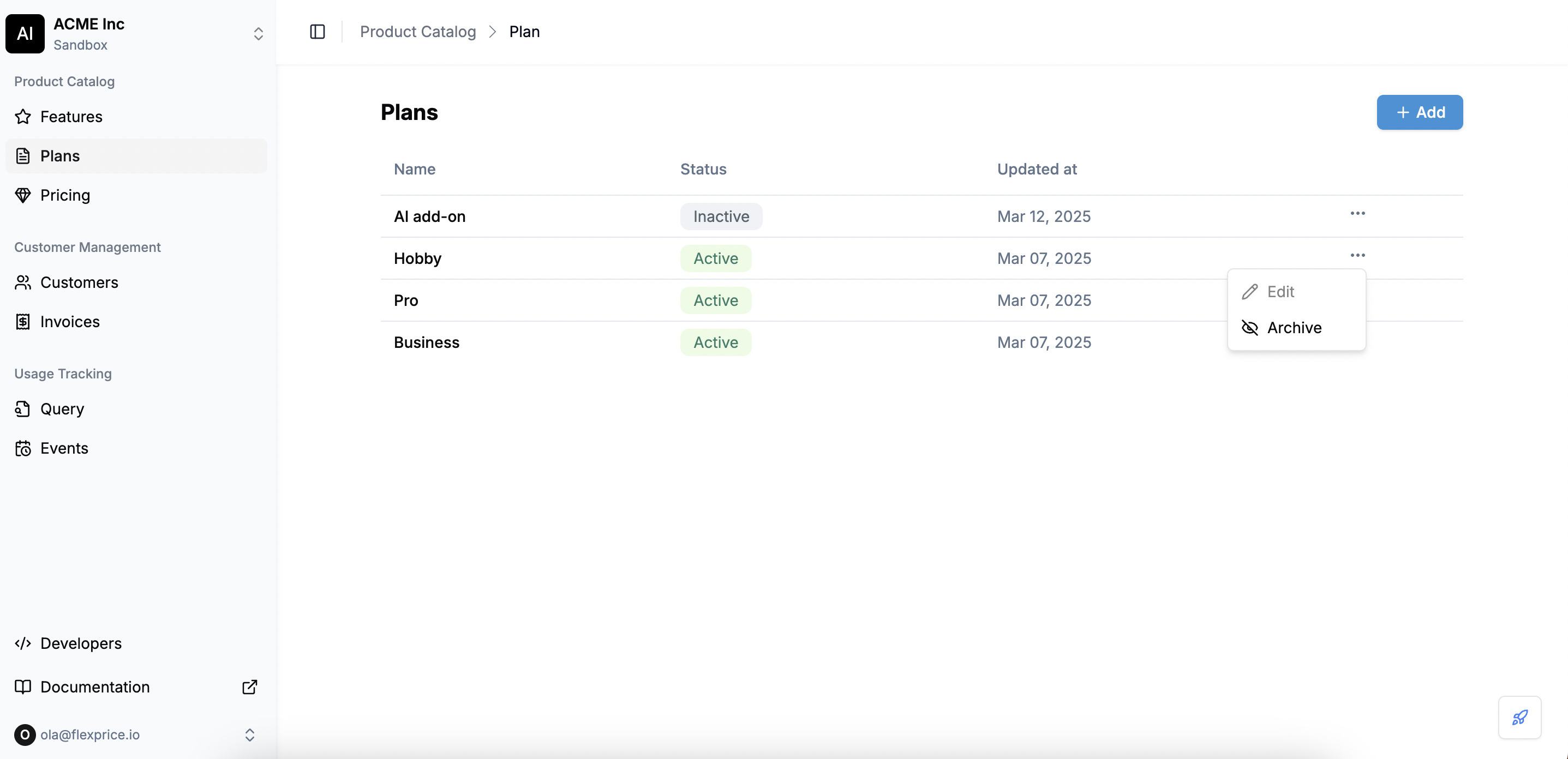 * Select Archive from the dropdown options
* A confirmation dialog will appear asking if you want to archive the plan. Make sure that you can no longer modify the plan details once it is archived.
* Select Archive from the dropdown options
* A confirmation dialog will appear asking if you want to archive the plan. Make sure that you can no longer modify the plan details once it is archived.
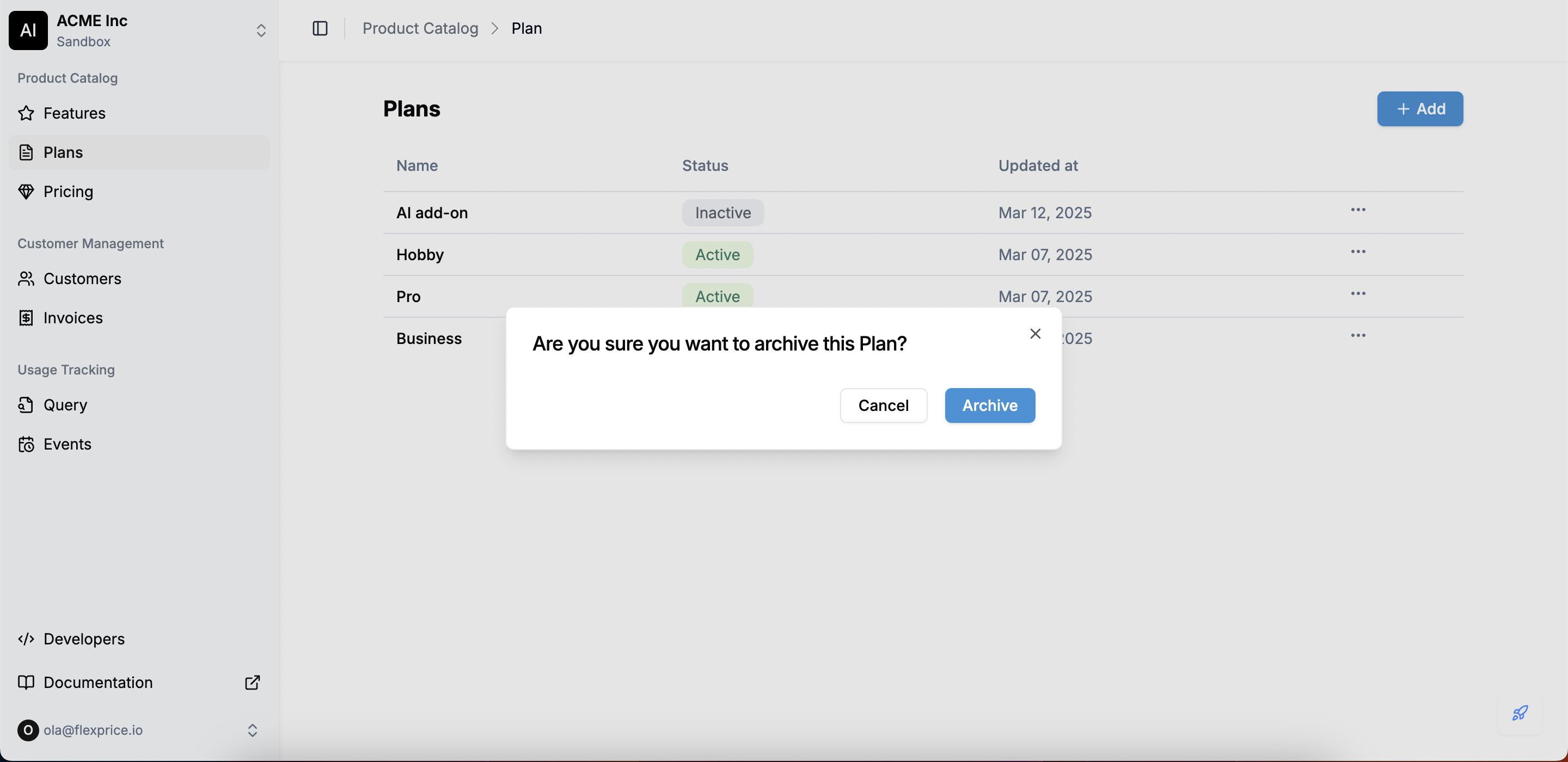 * Click **Archive** to proceed, or **Cancel** if you change your mind.
Customers already subscribed to the plan will continue using it until the end of their current billing cycle, after which they will need to transition to an active plan.
* Click **Archive** to proceed, or **Cancel** if you change your mind.
Customers already subscribed to the plan will continue using it until the end of their current billing cycle, after which they will need to transition to an active plan.