

Overview
The Azure Marketplace integration reports a subscription’s Flexprice-computed usage to your Azure Marketplace offer, going forward from when it is set up. You sell and manage your offer on Azure Marketplace yourself; Flexprice’s role is to compute usage and report it, so Azure can bill the buyer and pay you out. Setting this up is a one-time job with three parts:- Your Azure offer: a transactable SaaS offer with a single metered dimension, priced so Azure bills exactly what Flexprice computes
- Entra app credentials: let Flexprice authenticate as the app registered on your offer and report usage into your Azure account
- A Flexprice connection: stores those credentials so reporting can run
Prerequisites
Before setting up your Azure Marketplace connection, ensure you have:- A Partner Center account - Enrolled to publish transactable SaaS offers on Azure Marketplace
- Access to your Microsoft Entra ID tenant - To register an app and generate a client secret
Step 1: Create Your Azure Marketplace Offer
Create your transactable SaaS offer in Partner Center. The integration supports plans priced with exactly one metered dimension.1
Choose the flat rate pricing model
On the plan’s Pricing and availability tab, select Flat rate, and for every contract duration and billing term you configure, set the price per charge to
$0. All revenue flows through the metered dimension you add next, not the recurring charge.A custom meter dimension is only available on the flat rate model. The per user model does not support it.
2
Add a custom meter dimension
Add one custom meter dimension to the plan (Add a Custom Meter Dimension). Azure makes every field immutable once the offer is published.
Billing dimensions are shared across all plans on an offer. If your offer has several plans, each one carries its own plan ID, so register each as a separate Flexprice plan. See Agreement Registration.
Step 2: Set Up Authentication for Flexprice to Meter on Your Behalf
Flexprice reports usage by authenticating as an app registered in your own Microsoft Entra ID tenant. You register the app, generate a client secret, make the Marketplace metering API addressable from your tenant, and enter the app on your offer.Flexprice creates nothing in your Azure tenant and never touches Partner Center. It receives three strings you generate and uses them to request access tokens.
1
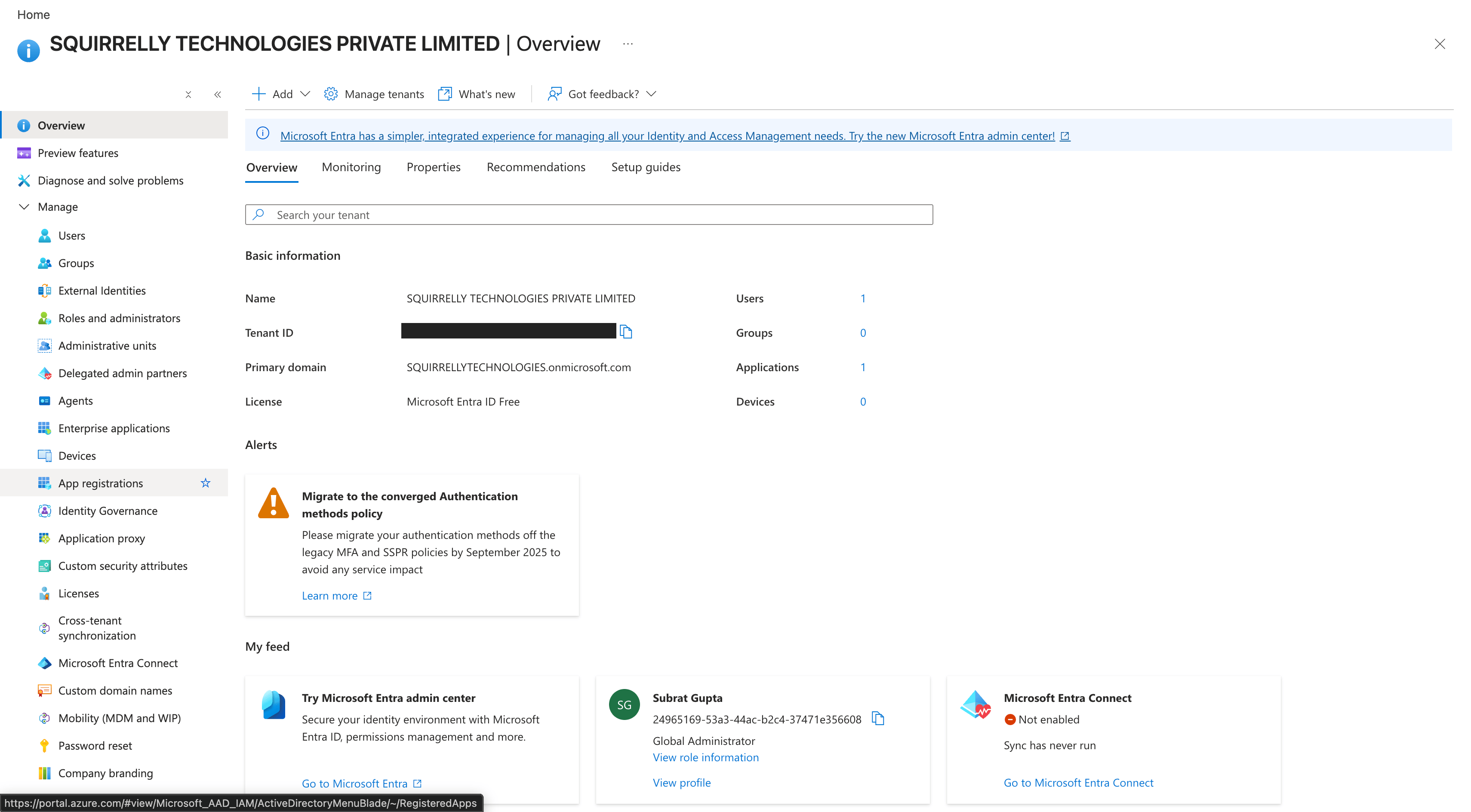
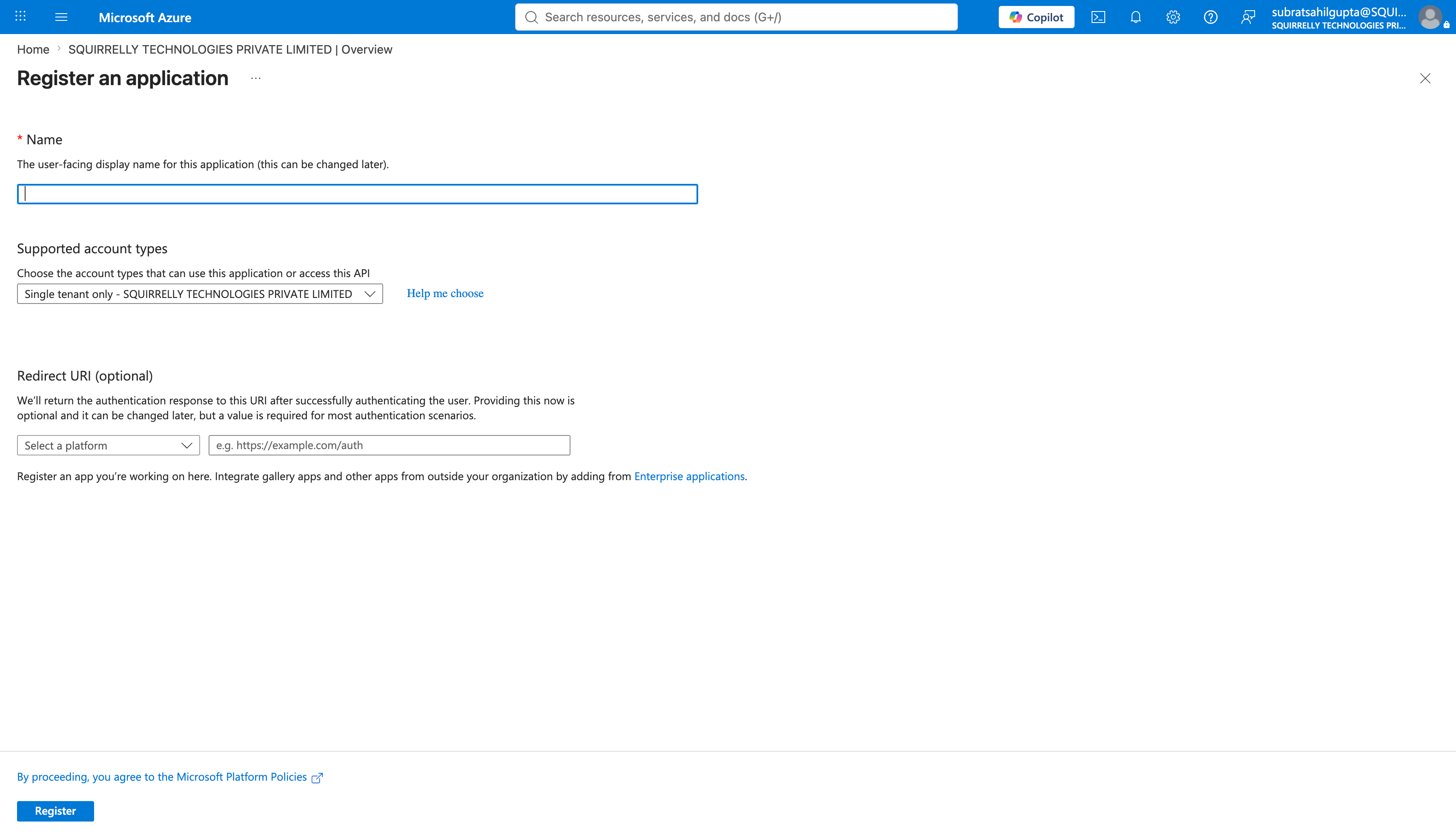
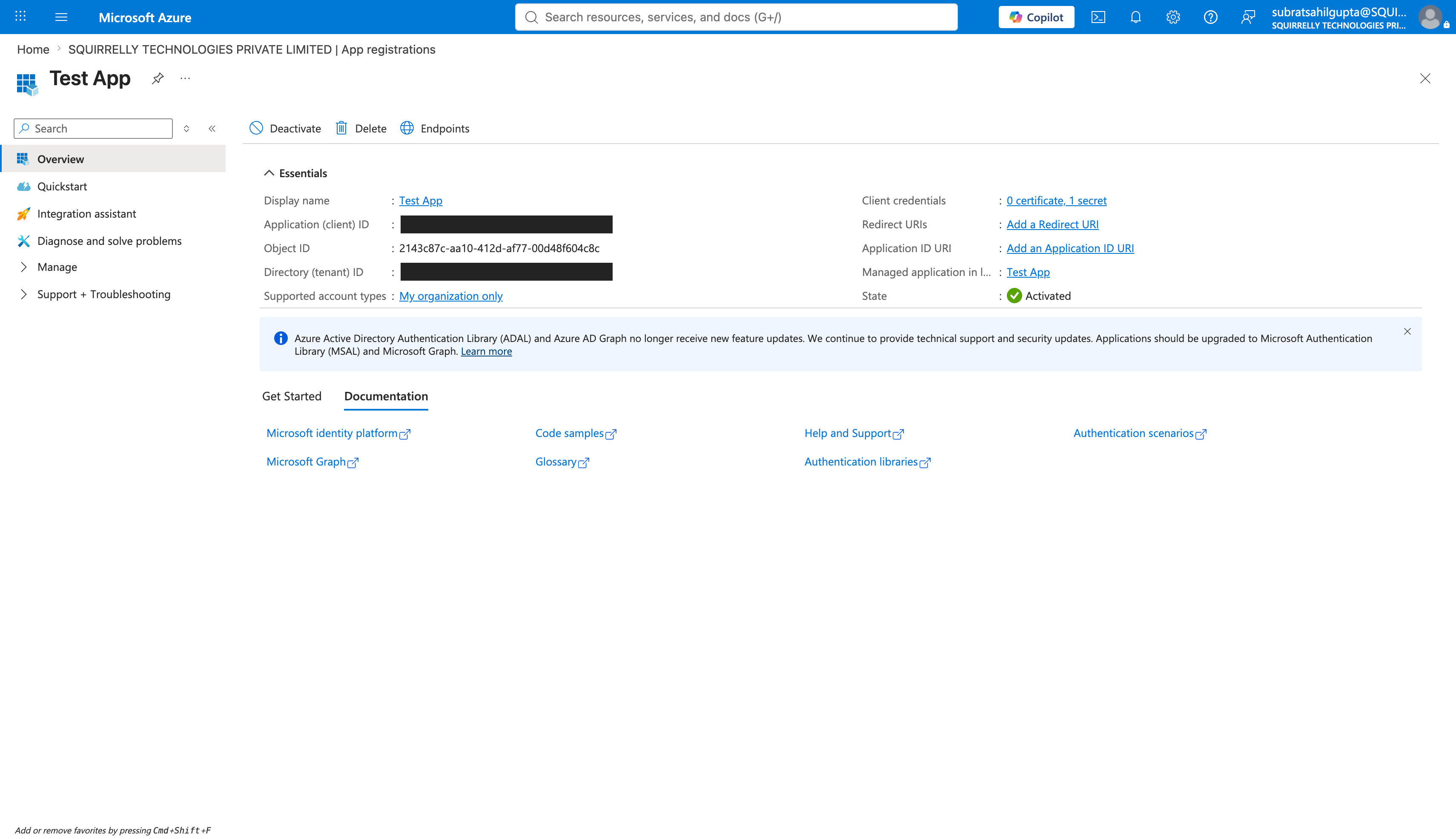
Register an app in Microsoft Entra ID
In the Azure portal, go to Microsoft Entra ID.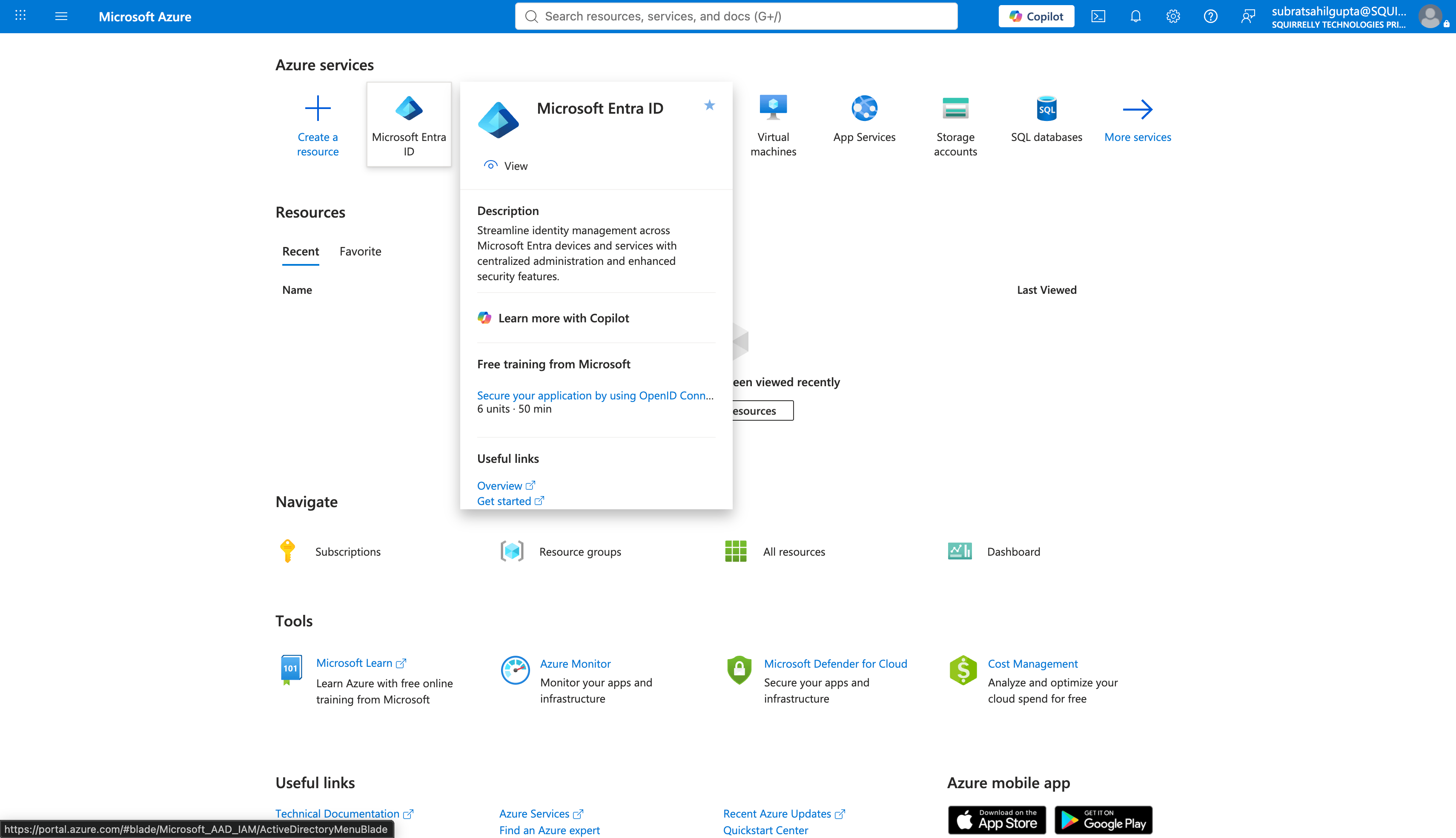
2
Generate a client secret
On that app registration, go to Certificates & secrets → Client secrets → New client secret. Copy the secret Value immediately: Azure shows it only once. This is your 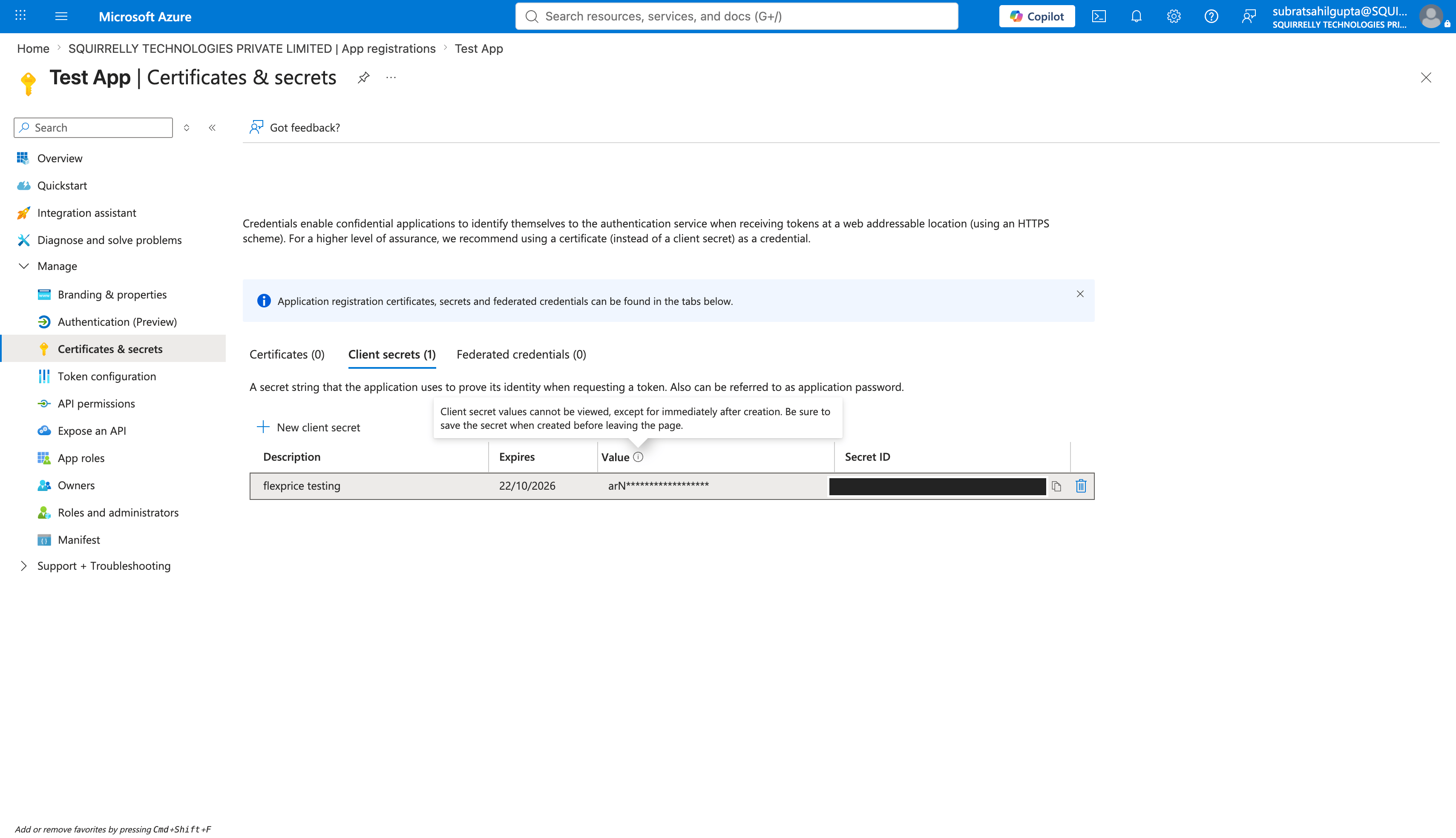
client_secret.3
Make the Marketplace metering API addressable from your tenant
Before the app can request a token for the Marketplace metering API, your tenant needs a service principal for it.
20e940b3-4c77-4b0b-9a53-9e16a1b010a7 is Microsoft’s fixed application ID for the Marketplace SaaS API, the same value for every publisher. In Azure Cloud Shell, or any terminal signed in with az login, run:This creates no secret and grants no access on its own. It only makes that Microsoft API addressable from your directory, so the app from the first step can request tokens for it. See step 7 of Register a SaaS application for Microsoft’s own instructions.
4
Enter the app on your offer's Technical Configuration
In Partner Center, open your offer’s Technical Configuration page and enter this app’s Microsoft Entra tenant ID and Microsoft Entra application ID.
Step 3: Create the Azure Marketplace Connection
Using Flexprice Dashboard
You can create an Azure Marketplace connection directly from the Flexprice dashboard under Integrations → Azure Marketplace. Paste the tenant ID, client ID, and client secret from Step 2.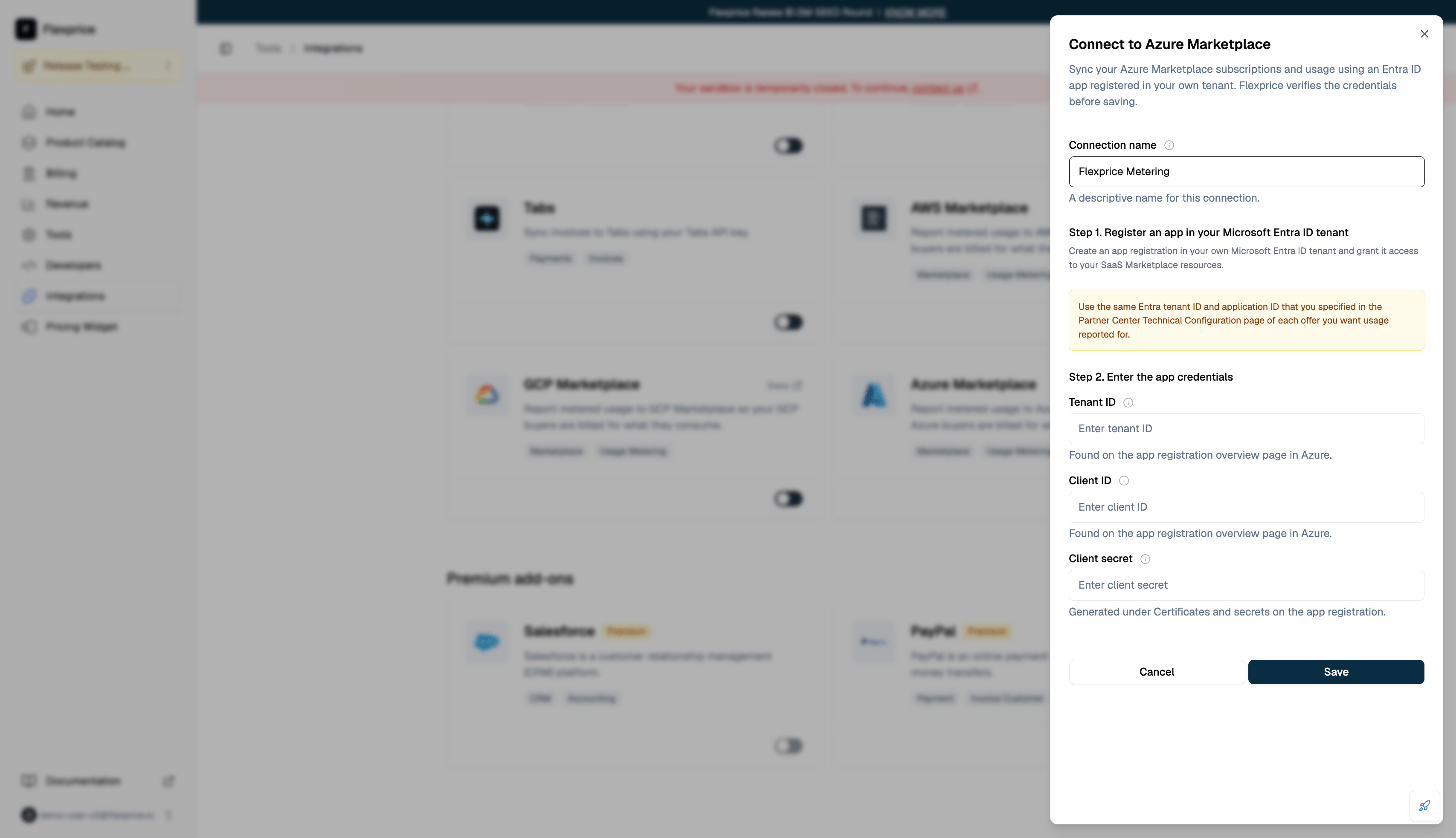
API Request
Endpoint:POST /v1/connections
Headers:
Response
All three credentials are stored encrypted.
Connection Verification
Creating the connection immediately requests an access token with your credentials. The connection is only saved if that succeeds, so a successful response confirms your tenant ID, client ID, and client secret actually work rather than failing silently later.
Whether the app is entered on your offer’s Technical Configuration is not checked here. Flexprice has no offer to check it against at connection time, so a mismatch there surfaces later as a failed usage report. See Usage Reporting.
Next Steps
Agreement Registration
Link each buyer’s Azure subscription to a Flexprice subscription.
Usage Reporting
Understand what gets metered to Azure and when.