

Tier modes
A tiered price uses one of two modes. They differ in how the tiers apply to the customer’s usage.
Example:
Consider the following tiers for an API service:
A customer makes 65,000 API calls in a billing period.
Volume
The total usage falls within Tier 3, so all 65,000 calls are charged at $0.0006:65,000 API calls × $0.0006 = $39
The rate for every unit drops as the customer’s total grows, so heavy users get a lower price on all their usage.
Slab
The usage fills the tiers in order, and each part is charged at its tier’s rate:
Earlier units keep their higher rate, and only the units above each boundary get the lower one.
Package size in a tier
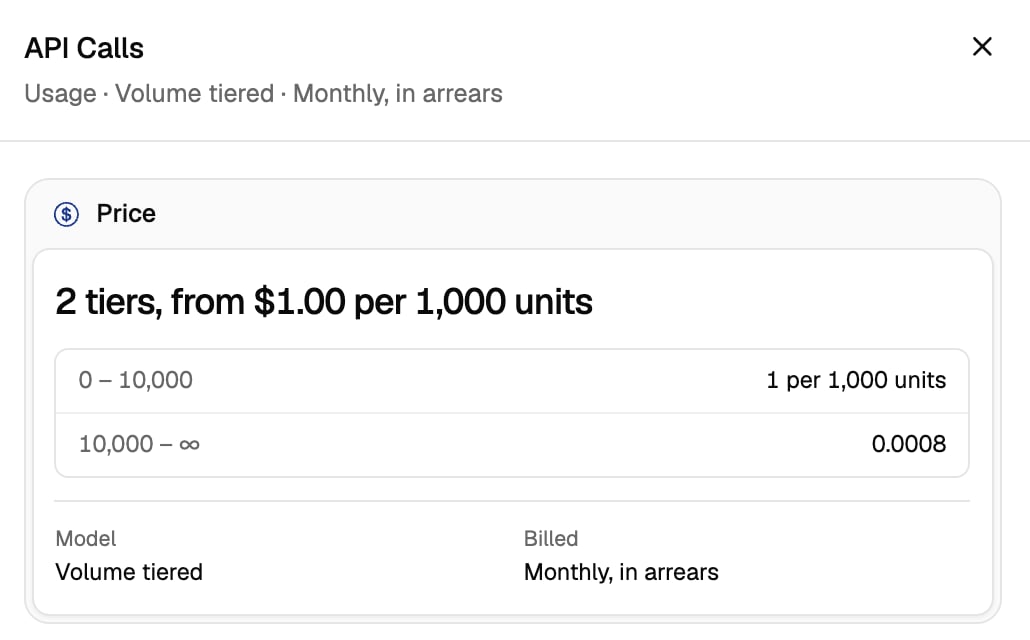
By default, a tier charges its price per unit. Give a tier a package size to charge the price once per package of that many units instead. A started package counts as a full package, and a tier without a package size keeps charging per unit, so one price can mix both.
With volume mode, a customer who makes 4,500 API calls falls within Tier 1. 4,500 calls make 4.5 packages, which round up to 5:
5 packages × $1.00 = $5
In volume mode, packages are counted on the customer’s total usage. In slab mode, they are counted on the units that fall inside each tier.
Setting up in the dashboard
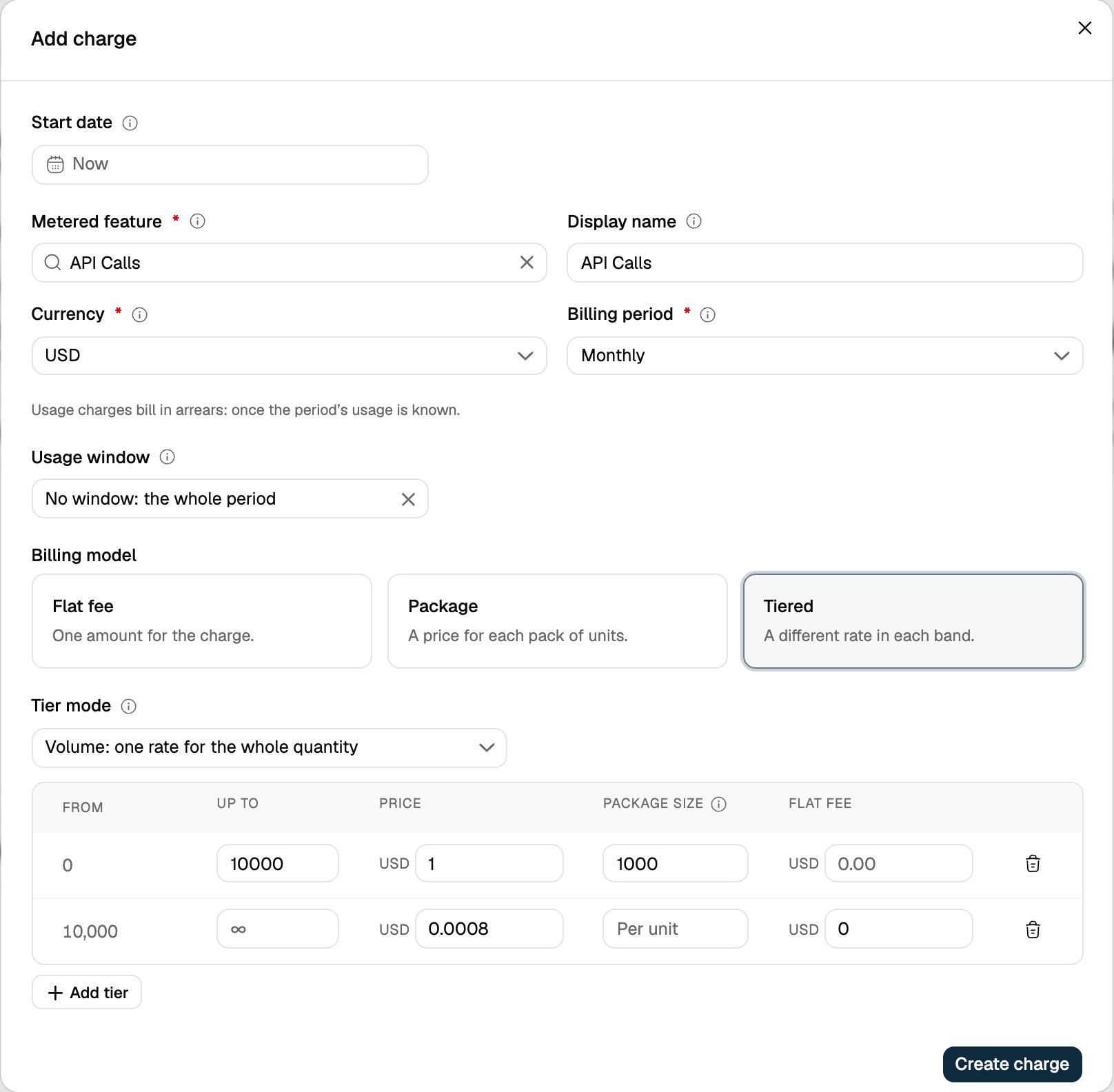
- Open the plan and click Add charge, then choose Usage.
- Pick the metered feature and select the Tiered billing model.
- Choose the Tier mode: Volume or Slab.
- For each tier, enter Up to and Price. Enter a Package size to charge per package, or leave it empty to charge per unit. Add a Flat fee if the tier needs one.
- Click Add tier for more tiers, then Create charge.
Setting up with the API
Setbilling_model to TIERED, tier_mode to VOLUME or SLAB, and list the tiers. Use "up_to": null for the last tier. For a package size, add transform_quantity to the tier: divide_by is the package size, a whole number of at least 1, and round is up (the default) or down.
The dashboard always rounds partial packages up. Use the API to round down.