

Only Active contracts and active wallets block archiving: contracts in any other status, such as Trialing, Paused or Draft, don’t. When archiving is blocked, the Archive customer dialog shows “Could not archive the customer. Try again.” and the API returns “Please cancel all subscriptions before deleting the customer” for a contract or “Customer cannot be deleted due to associated wallets” for a wallet. Cancel the active contracts and terminate the active wallets first (terminating a wallet forfeits its remaining credits). A contract cancelled at the end of the current period or on a date stays Active until that date, so it blocks archiving until then.
1
Open the customer's menu
Open the customer from Customers, click the ⋯ menu at the top right of their page, and select Archive customer.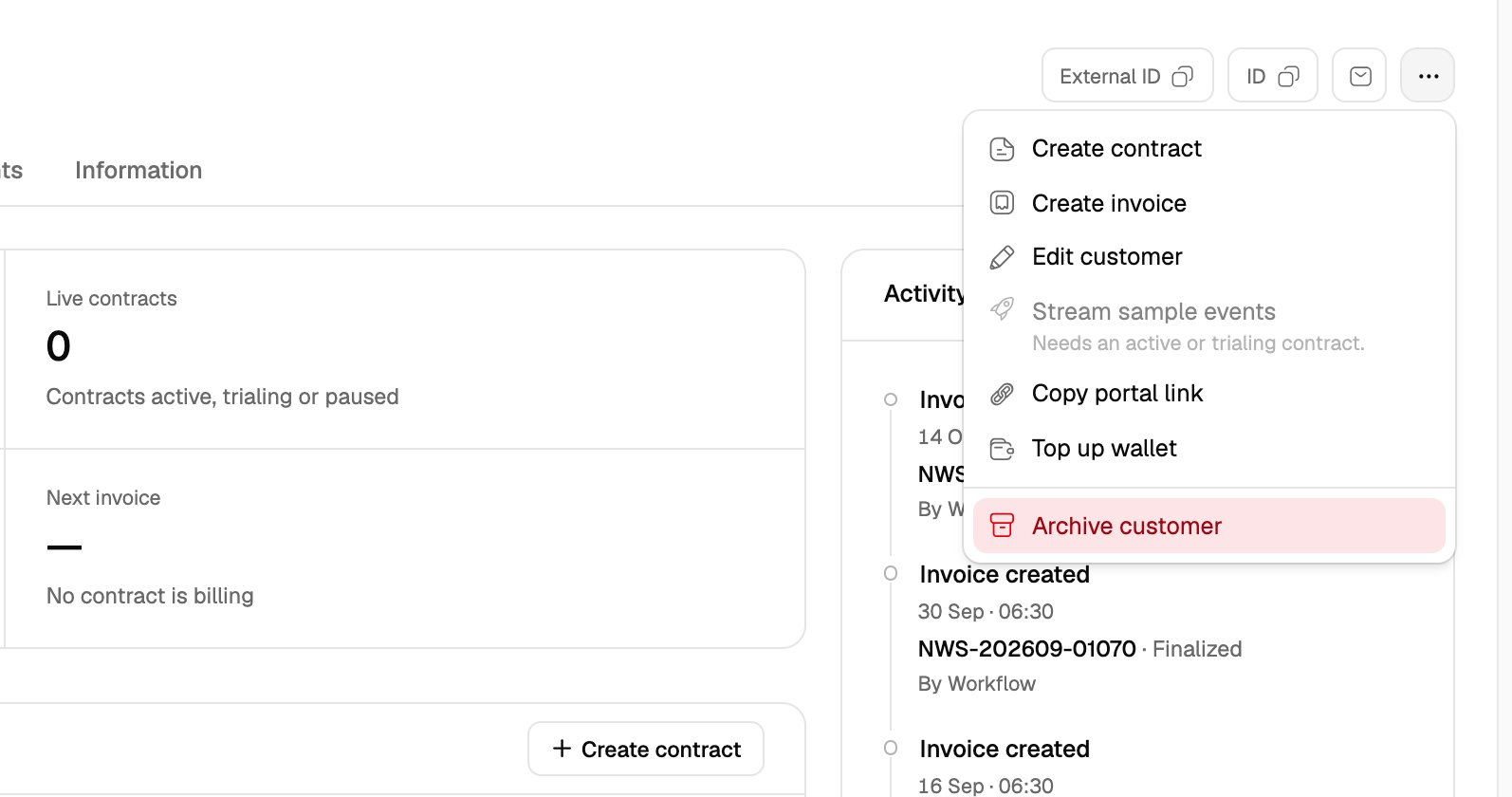
2
Confirm
In the confirmation dialog, click Archive customer, or Cancel if you change your mind. The dashboard can’t undo this.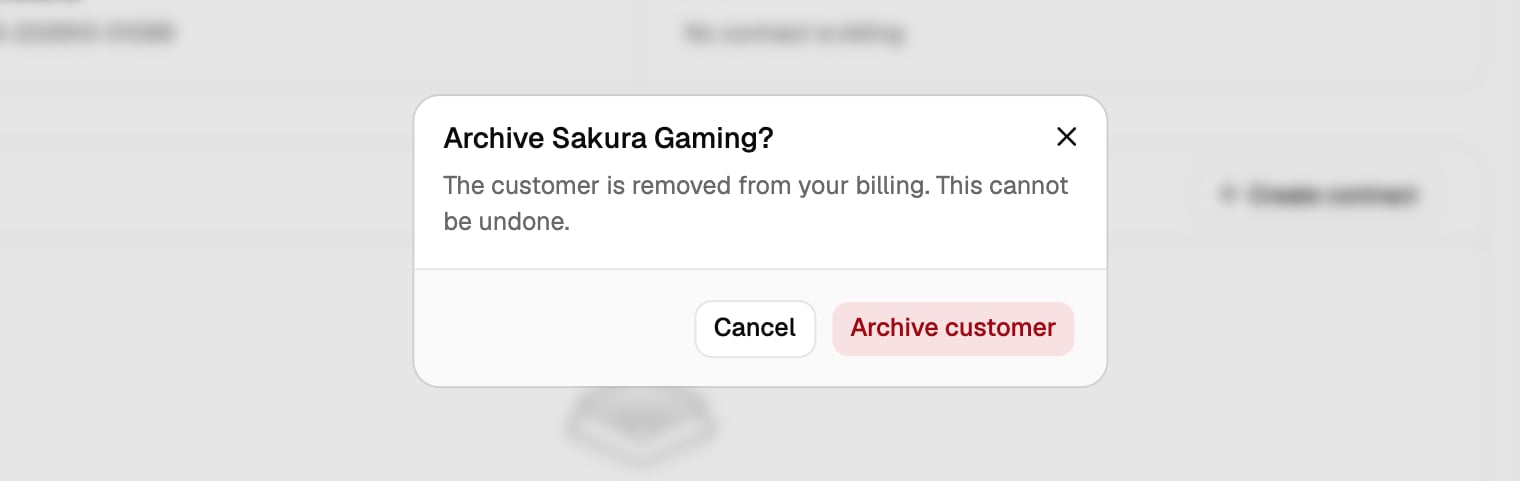
- No New Transactions: The customer can no longer be billed or invoiced.
- Data Retention: Customer details, invoices, and payment history remain accessible for reporting purposes.