

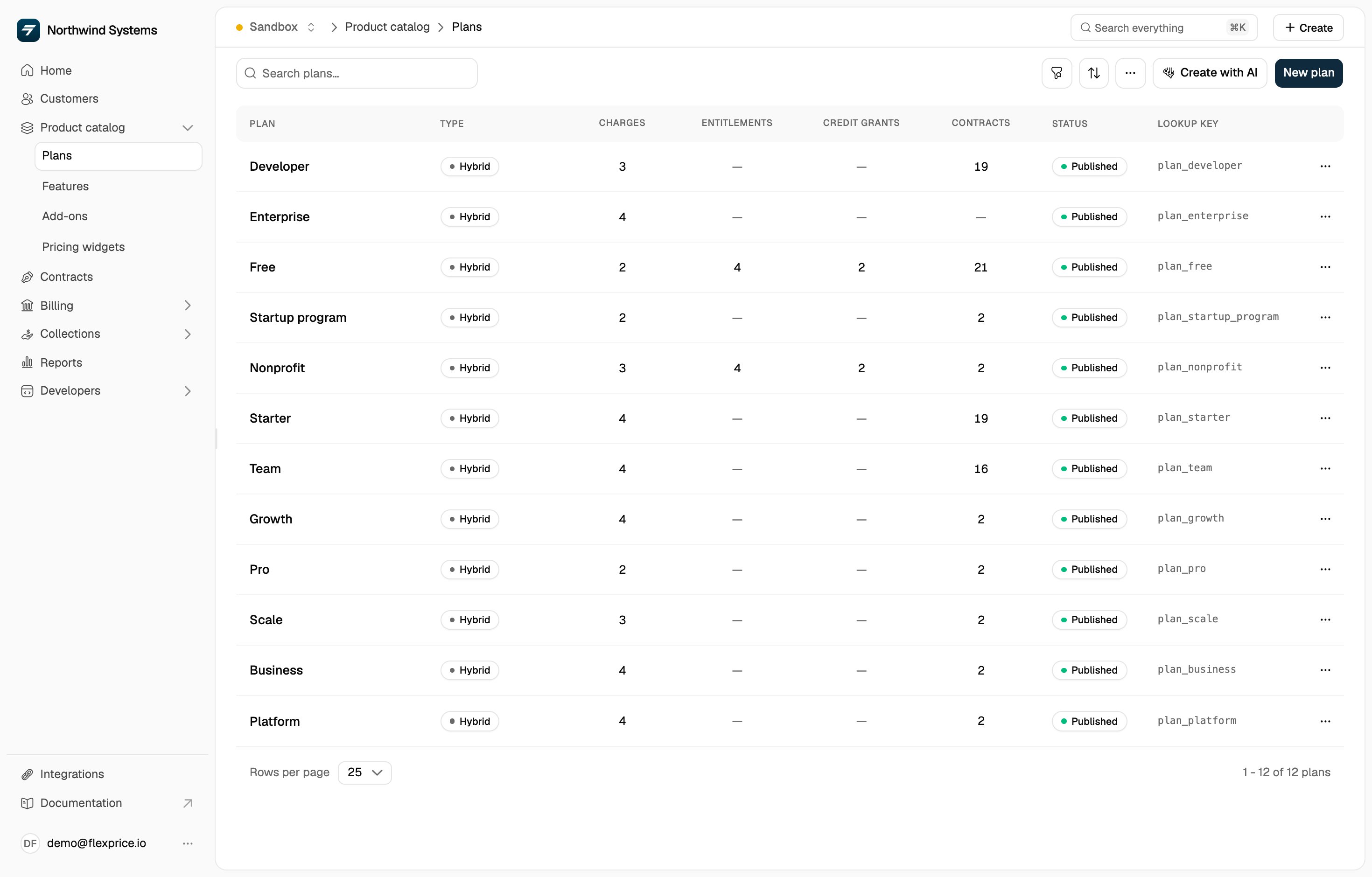
- Name: What the plan is called to customers and on invoices.
- Lookup key (Optional): A stable identifier for the plan in API calls and system integrations. Use lowercase letters, numbers, hyphens and underscores.
- Description (Optional): Internal context about the plan, shown alongside it in the dashboard.
-
Metadata (Optional): Your own key/value fields kept with the plan.
-
Setting up a fixed charge:
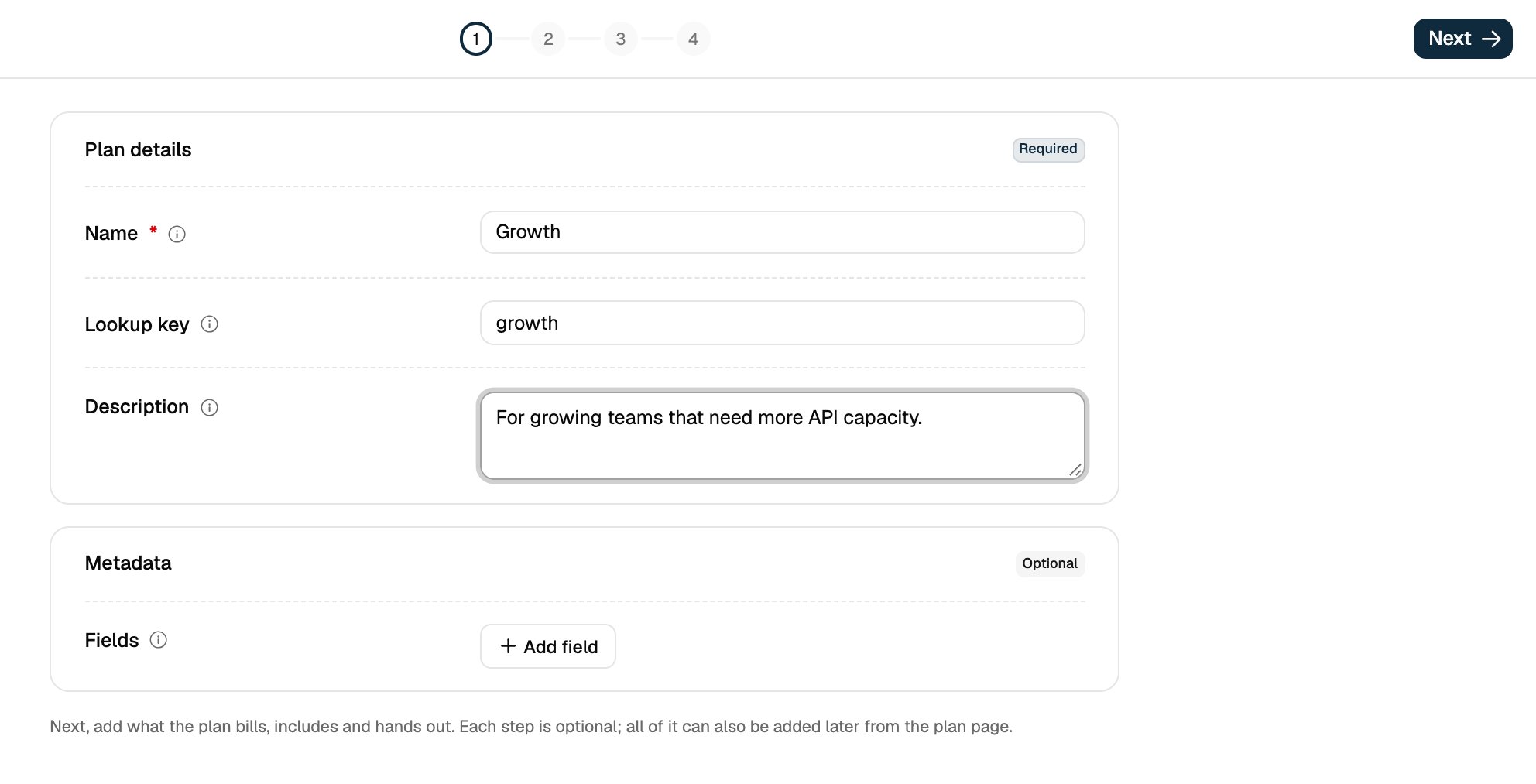
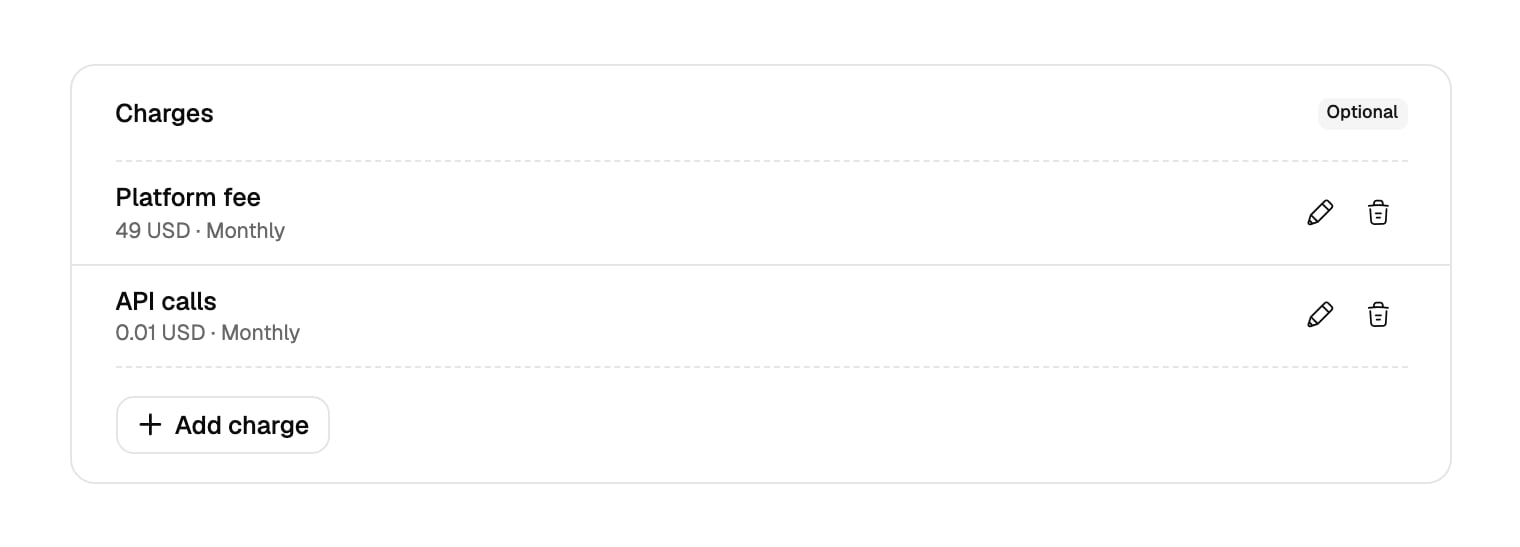
Fixed charges are amounts your customers are billed at regular intervals (e.g., $49/month platform fee).
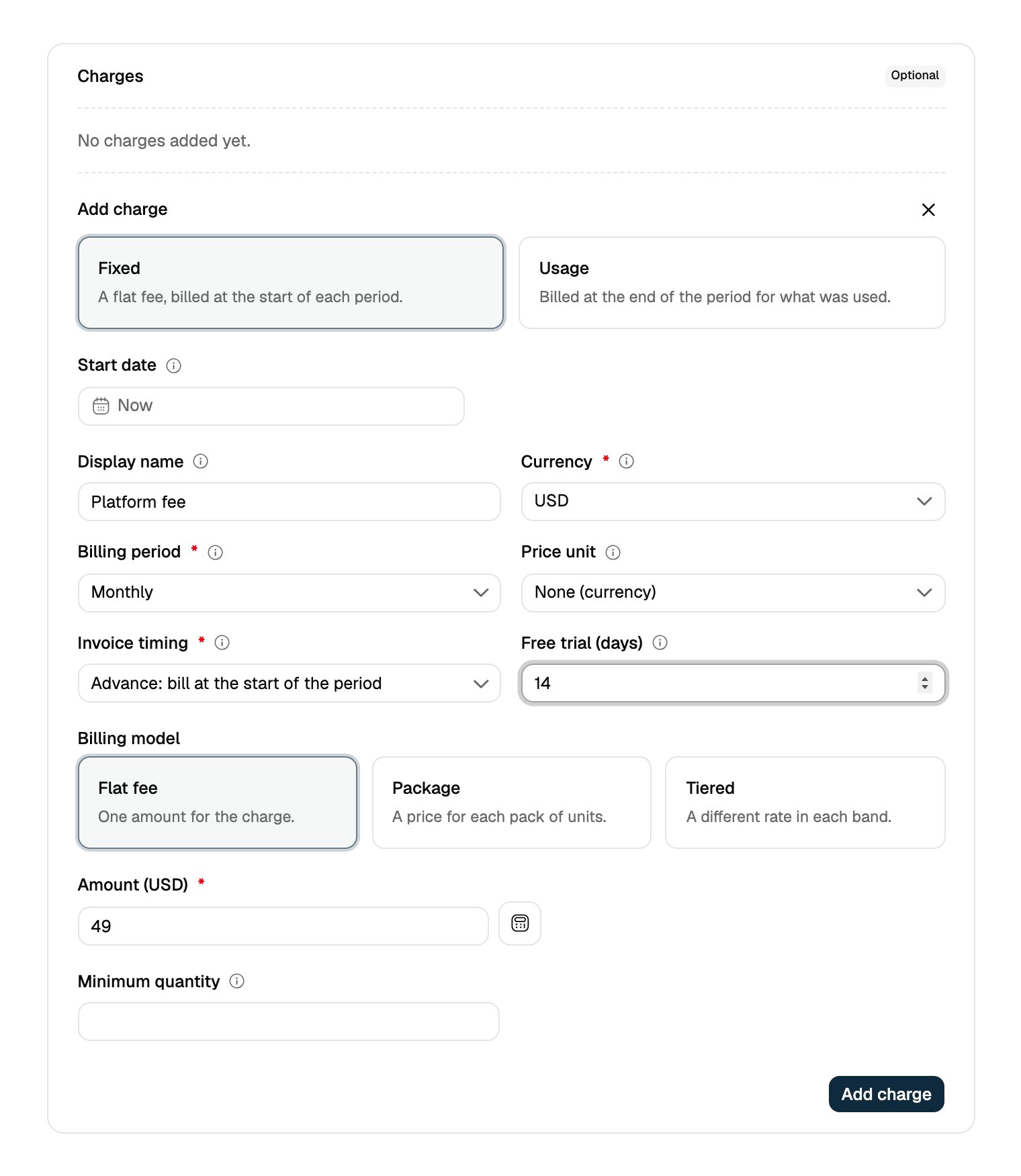
- Display name (Optional): What the charge is called on an invoice.
- Currency Choose the currency in which you want to bill your customers. Flexprice supports all currencies, enabling businesses to charge customers globally.
-
Billing period
The billing period determines when invoices are generated. The billing period impacts invoice generation, feature limits, and renewals. You can select from the following intervals:
- Daily → Customers are billed every day.
- Weekly → Customers are billed once every week.
- Monthly → The most common cycle, where customers are charged every month.
- Quarterly → Charges occur every 3 months.
- Half-yearly → Customers are billed twice a year (every 6 months).
- Annual → Customers are billed once per year.
- One-time → The charge is billed once.
- Price unit (Optional): Price the charge in credits, tokens, or another custom unit instead of a currency.
-
Invoice timing: Decide when the charge is invoiced within the billing period:
- Advance → Customers are charged at the start of each billing period.
- Arrears → Customers are charged at the end of each billing period.
- Free trial (days) (Optional): Enter a trial duration. Subscribers are not billed for this charge during the trial; after the trial ends, the first charge is applied based on the invoice timing selected.
- Billing model and Amount: Choose Flat fee, Package, or Tiered, and define the amount customers will be charged per billing period in the selected currency.
- Minimum quantity (Optional): The fewest units a subscriber can hold of this charge.
- Click Add charge to add the fixed charge to the plan.
-
Setting up a usage-based charge:
To incorporate usage-based charges into a plan, you can utilize existing metered features. For instance, you can create charges based on the number of API calls, the number of active users, transactions, compute time, etc.
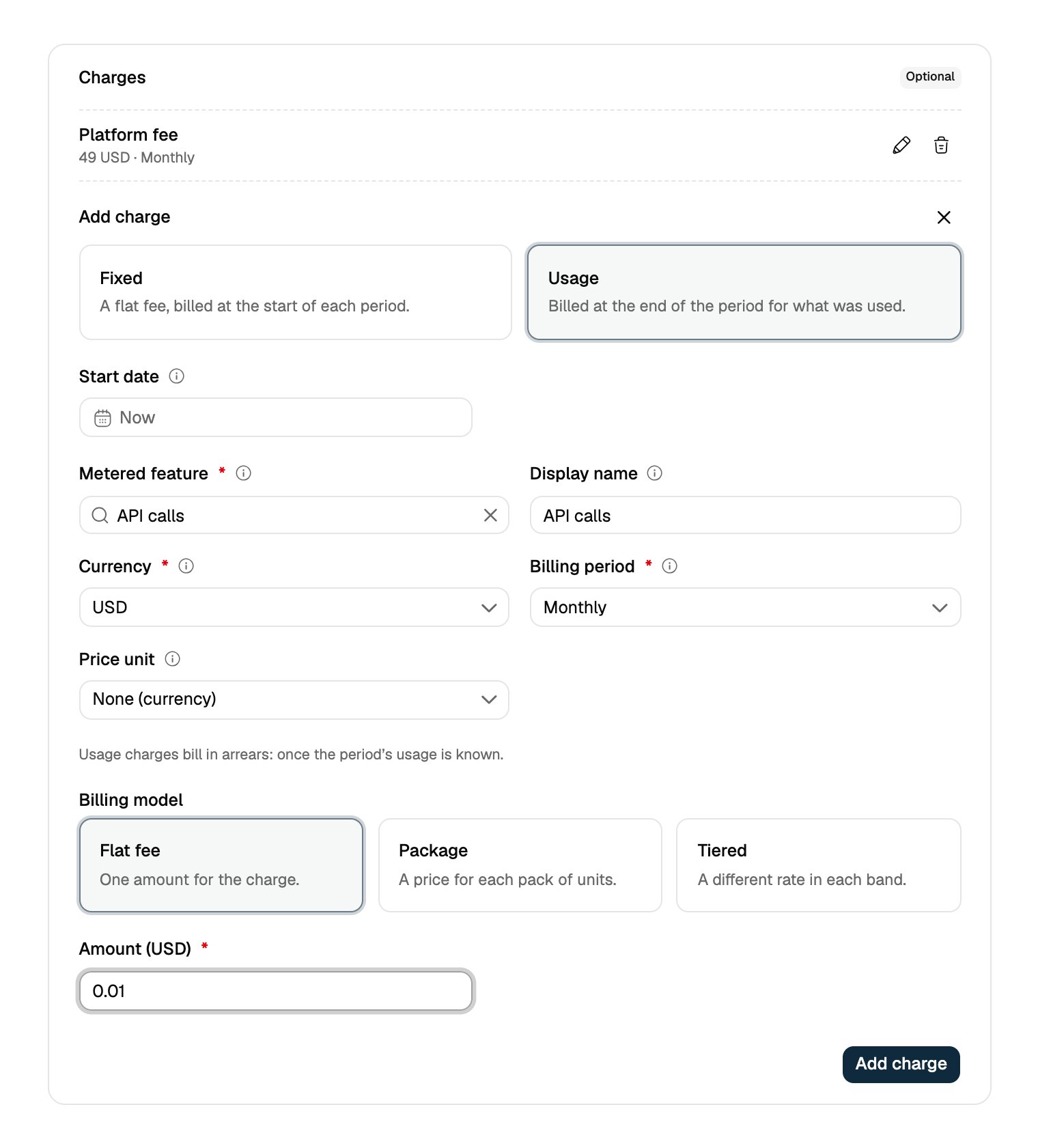
- Metered feature Choose a metered feature that will determine how usage is measured and billed. Features must be pre-configured in your product catalog 💡 Only metered features can be linked to usage-based charges.
- Display name (Optional): What the charge is called on an invoice.
- Currency Select the currency in which you want to bill your customers. Flexprice supports all currencies, enabling businesses to charge customers globally.
- Billing period The billing period determines how frequently usage is calculated and charged, from Daily to Annual. 💡 The billing period must align with the subscription plan to ensure accurate invoicing.
-
Billing model
Flexprice allows different pricing models for usage-based billing:💡 The correct billing model ensures flexibility in pricing strategy and revenue optimization. To read more about different types of charges read in the Billing Models section.
- Flat fee → A fixed price per unit of usage (e.g., $0.01 per API call).
- Package → Customers pay for usage in predefined bundles (e.g., $50 for 100K API calls).
- Tiered → The price changes across usage bands (e.g., $0.01 per API call for the first 100K calls, then $0.008 for additional calls).
- Amount Define how much you want to charge. The unit is determined by the metered feature selected (e.g., per API call, per GB stored, per transaction).
- Billing timing Usage charges are billed in arrears, at the end of the period once its usage is known. 💡 Arrears billing is common for metered services like cloud computing and APIs
- Once all configurations are set, click Add charge to add the usage-based charge to the plan.