Creating a wallet
1
Open the customer's Wallet tab
Go to Customers, open the customer, and select the Wallet tab. A customer without a wallet shows No wallet yet. Click Create wallet.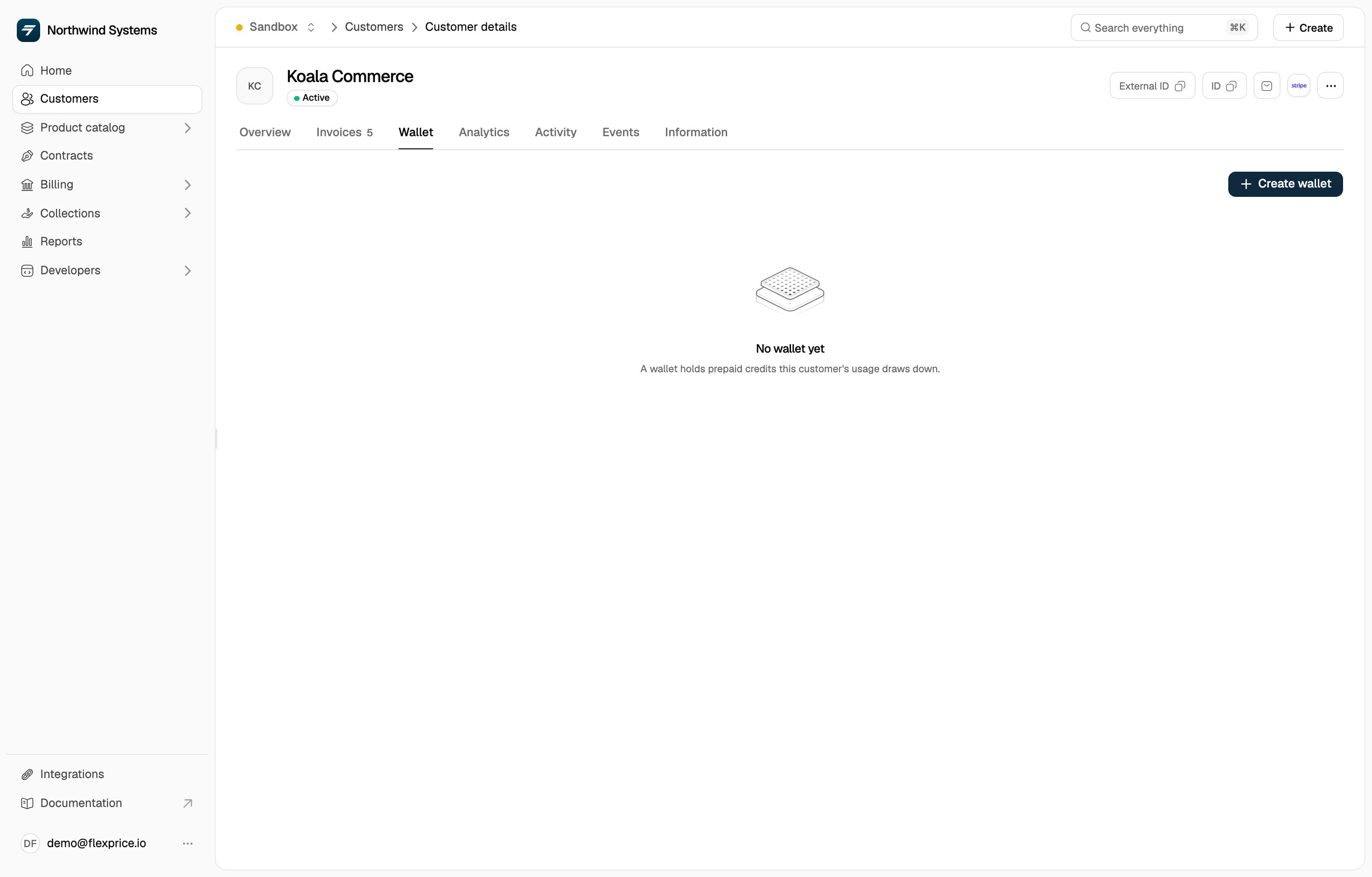
2
Fill in the wallet details
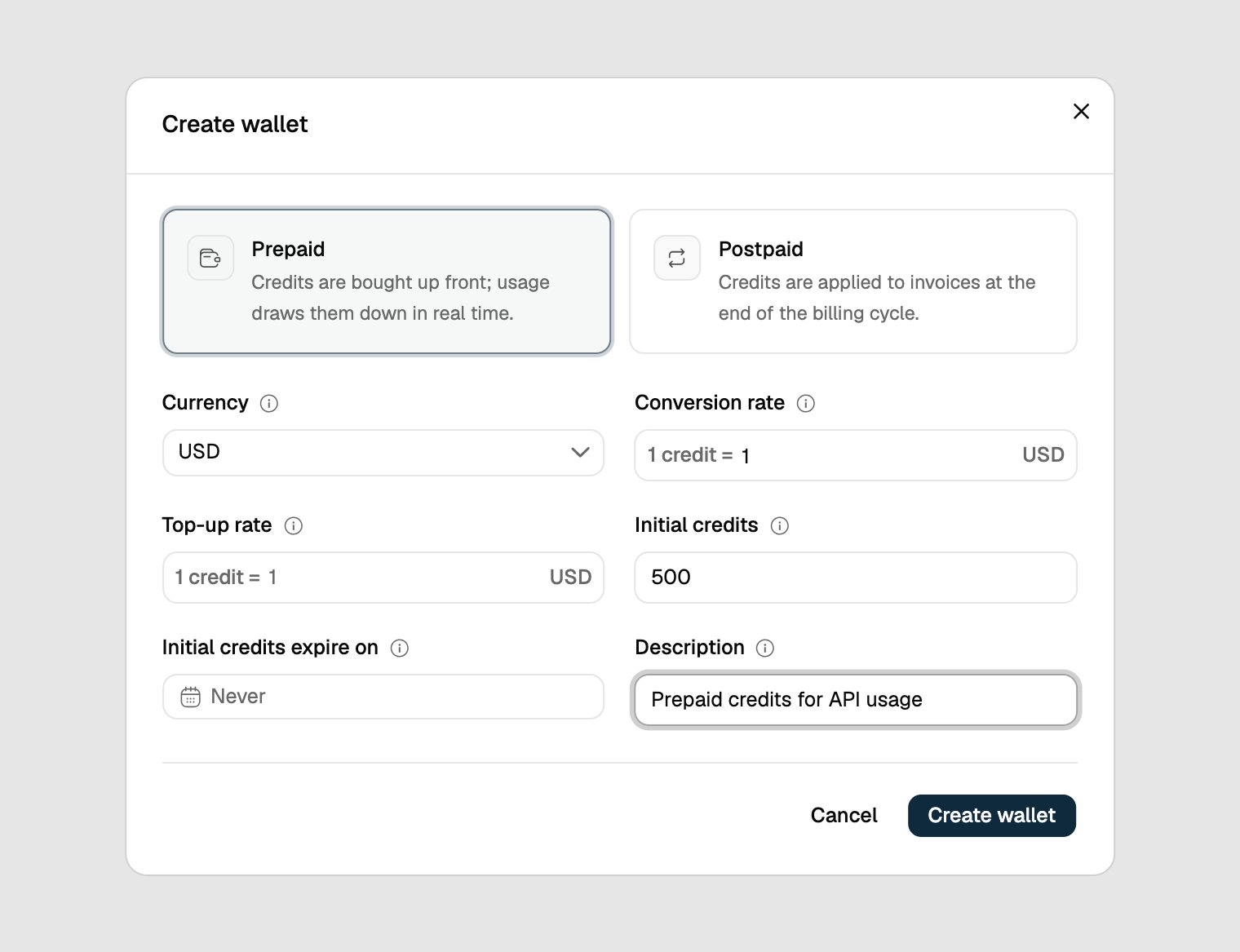
- Wallet type: Prepaid (credits are bought up front and usage draws them down in real time) or Postpaid (credits are applied to invoices at the end of the billing cycle).
- Currency: the currency the wallet balance is valued in (for example USD or INR).
- Conversion rate: how much money one credit is worth. The default is 1 credit = 1 unit of the currency.
- Top-up rate (optional): what one credit costs when it’s bought, if that differs from the conversion rate.
- Initial credits (optional): free credits added as soon as the wallet is created. Set Initial credits expire on if they should lapse on a date.
- Description (optional): a note about what the wallet is for. It labels the wallet on the Wallet tab.
A customer can have only one active wallet per currency and wallet type. To replace one, select Terminate wallet in its ⋯ menu first.
3
Create the wallet
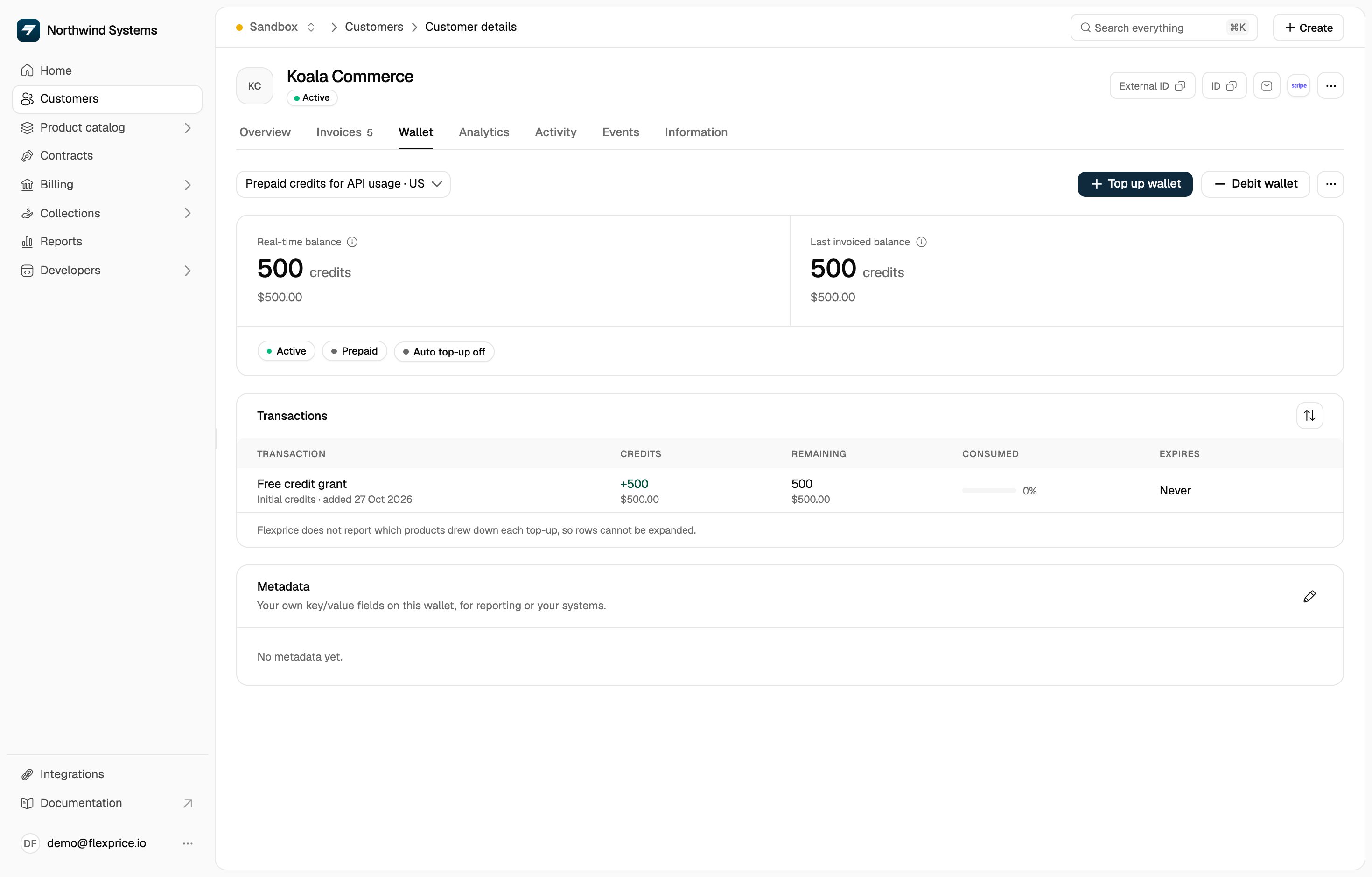
Click Create wallet. The Wallet tab shows the new wallet with its real-time balance, last invoiced balance and status, and its transactions, including any initial credits.